What a Kaddy app is made of
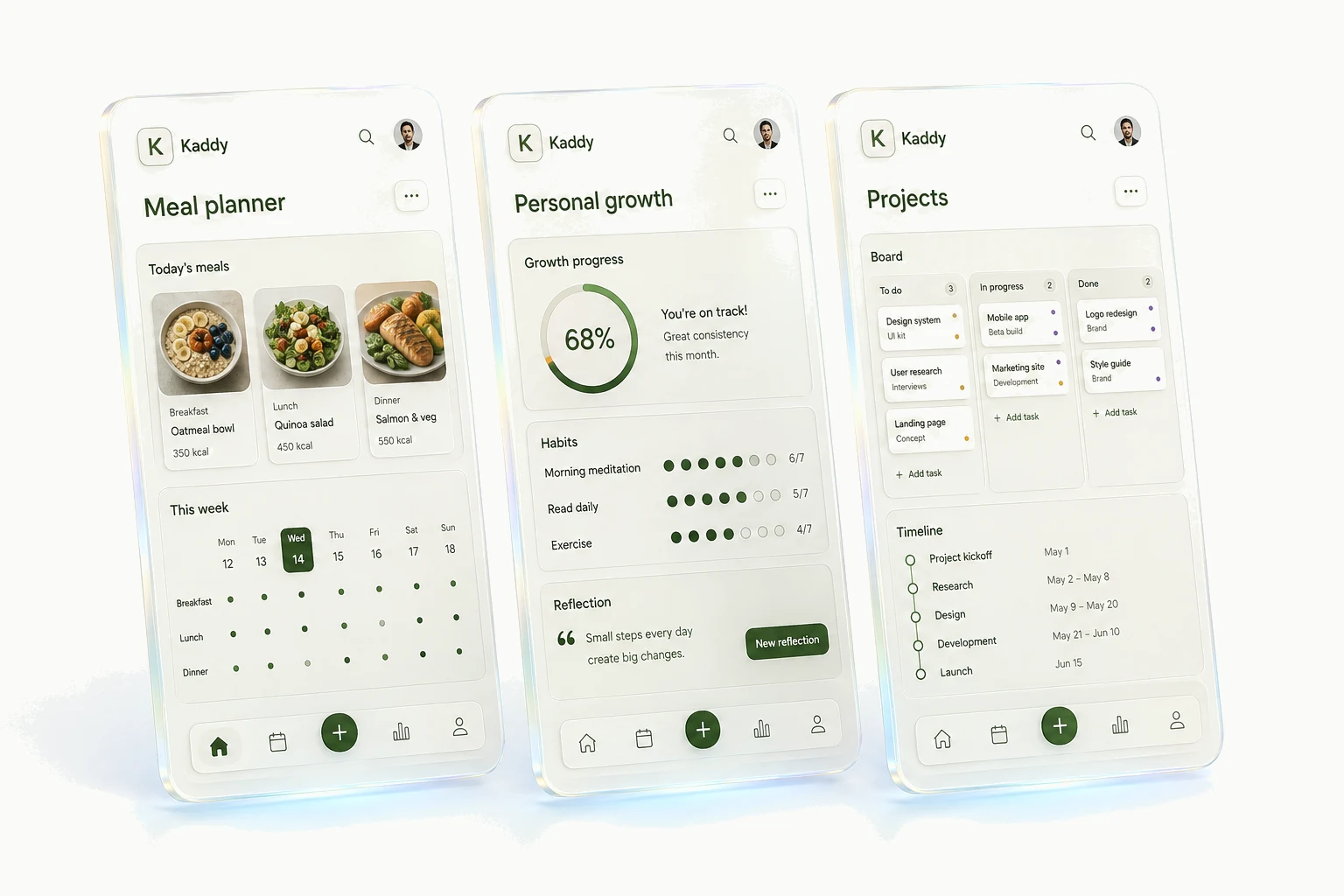
A Kaddy app is three things: the records it keeps, the screen you use them through, and an assistant that knows both. You talk to it in two separate conversations, one for using the app and one for changing it. Record changes in Chat happen when you ask; changes to the app itself stay in a preview until you apply them. This page is the map; the other Docs pages go into each part.
Records, a screen, and an assistant
Every app keeps its own records in one or more tables. A reading list has a table of books; a meal planner has saved meals and a table of planned dinners. Each column has a type: text, a whole number, a decimal, yes or no, a date and time, or structured data. Every record also has an identity and the times it was created and last changed, so you never declare those yourself.
The screen is what you see and tap. Most apps use a screen composed from Kaddy's own catalog of components, which is what lets a builder describe a workflow rather than design spacing and colours. The screens page lists what the catalog can show and the buttons and totals page what it can do.
The assistant reads and changes the app's records, keeps a memory of what you tell it, can be scheduled, and can be spoken to. It belongs to this one app: a reading assistant knows nothing about your dinners unless you tell it. The conversation page covers all of that.
Chat is for using the app; Code is for changing it
Each app has two kinds of conversation, and they stay apart on purpose. Chat is about the app's subject: which books to read next, what to cook on Tuesday. Code is where the app itself gets built and changed, and it reads like a build log because that is what it is. Mixing them would bury the conversation you care about under layout changes, so each has its own tools and its own history.
You do not have to switch to ask for a change. Tell Chat that the recommendation should sit under the title, and it sends that brief to Code and says so in a line. The build runs on its own; the Code pane shows it if you go and look. What Chat never does is explain how to edit the app by hand, because you will not have to.
Chat can also help you decide what to build. For a new app or a broad request it asks one focused question at a time, agrees the smallest useful first version with you, and only then hands that over. A precise request that already says to build it does not get an extra round of questions.
Preview, Apply, and a way back
A change the build conversation makes lands in the app's working copy, and the App view previews it straight away. Until you press Apply, the version everyone else sees, including you on your phone and any scheduled run, is unchanged. A bar above the app says what is waiting and offers Revert beside Apply, so a change you dislike costs one press to discard.
Applying creates a version. Every version is kept, and the Versions view lets you return to an earlier one instantly. If a version fails to load, Kaddy shows the last one that worked and tells you. Two files are treated more carefully: the app's actions and its assistant's instructions. A change to either is queued as a diff for you to approve rather than written, because those files decide what the app is allowed to do on its own.
Version history is about the app, not your records. Returning to last week's layout does not return last week's data. Records have their own automatic backups, and an app you delete keeps a final backup for thirty days; the sharing page says who can do which of these.
Starting a new app
A new app opens on a screen that asks you to describe what you want, with a few example ideas. Start in Chat begins the conversation by text; Start with Voice begins it as a live call. Either way the assistant asks about the problem before the features: what you want help with, the first thing the app should make easier, the least it needs to keep, and what can wait.
When it can state that smallest useful version, it summarises it and asks whether to build. Correct it if it has the wrong end of the idea; it keeps refining. Once you agree, the build starts in Code and the result appears in the working copy for you to try and apply. There is no sample data: an app starts empty, and the assistant adds records only when you ask.
The first-app guide follows this through a reading list, including the changes a first version usually needs.
Where things are
The sidebar is the only navigation: your apps, and Kaddy's own settings for theme and layout. Inside an app, the App view is the one the header keeps. The other views, Memory, Data, Source, Versions, Logs, Backups and Settings, are behind the gear in the header, because they are tools you reach for deliberately. While you are on one of them the header offers a way back to the app.
The Chat and Code toggle at the top of the conversation column chooses which conversation sits beside you; it never moves you off the view you were looking at. The address carries both, so a bookmark returns you to the same view and the same conversation.
Kaddy runs in a browser, on a phone or a computer, and an app looks after itself when your own computer is off. Each app can be added to a phone's home screen like any web app.