Sharing an app: viewers, editors and public links
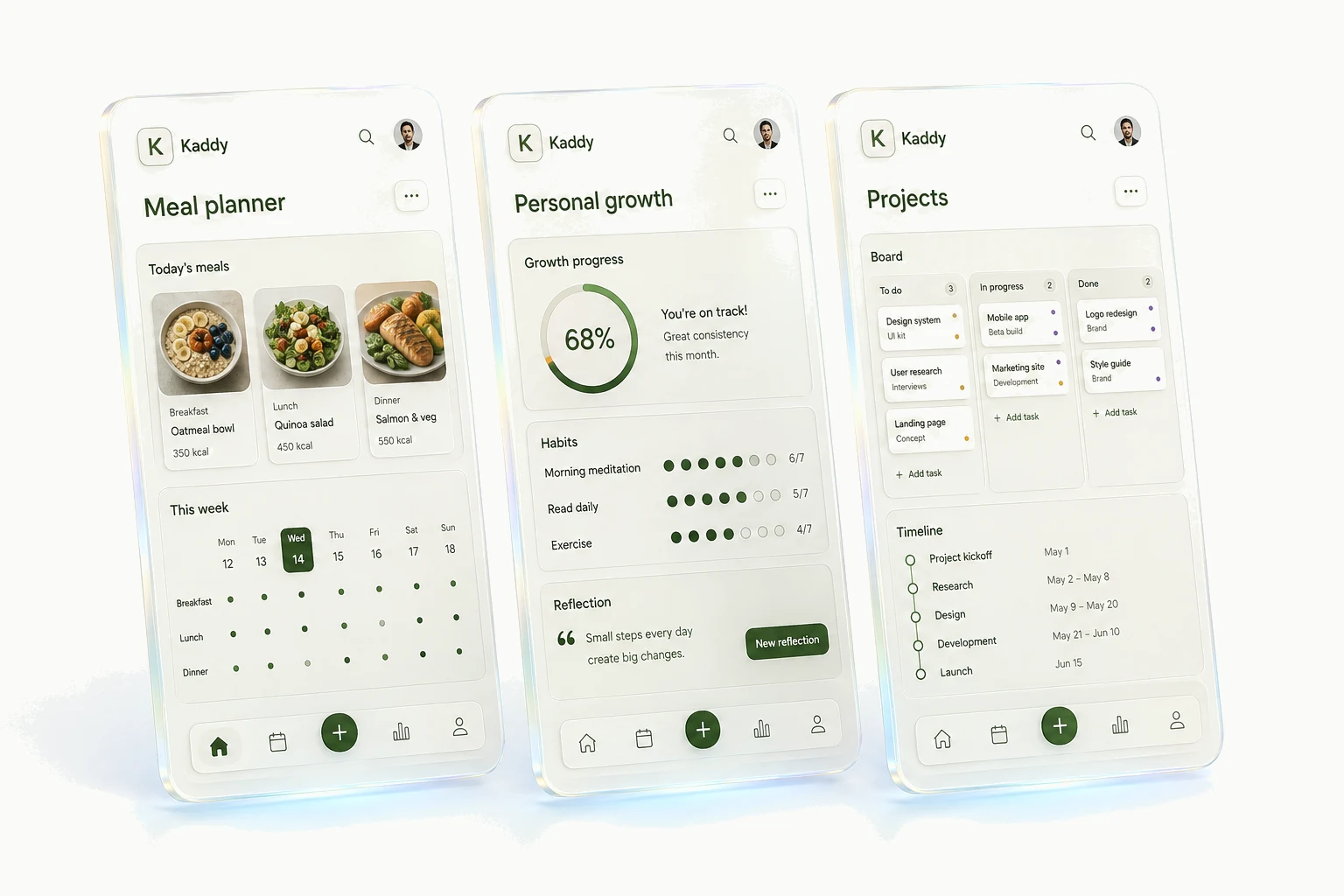
You can share an app with a person by the email they sign in with, as a viewer or an editor, or make it public so anyone with the link can use it. The three differ in one way that matters more than the labels suggest: an editor's changes run in your browser when you open the app, so an editor is trusted as much as you are, while a viewer and the public can only look. This page says exactly what each gets.
Owner, editor, viewer
| Viewer | Editor | Owner | |
|---|---|---|---|
| Use the live app and read its records | Yes | Yes | Yes |
| Add and change records, run actions, talk to the assistant | No | Yes | Yes |
| Change the app: source, screen, settings; apply versions | No | Yes | Yes |
| Archive, delete, back up and restore the app | No | No | Yes |
| Invite people, change roles, make the app public | No | No | Yes |
| Connect an outside AI tool to the kaddy | No | No | Yes |
A role is decided on every request, on the server, and applies to everything: the screen, the Data view, and the addresses an app's screen reads records from. There is no way for an app's own screen to grant, check, or bypass a role; access is a setting on the app, not a feature the app implements.
What a viewer sees
A viewer opens the app and nothing else: no conversation column and no gear menu, because everything behind the gear is builder work. They can read every record the app holds, including records its screens do not happen to display, since the app's lists read the same tables. Nothing a viewer does changes what anyone else sees.
Viewer is the default when you invite someone, and it is the right role for anyone you would not hand your account to.
Why an editor is trusted like you
An editor can do what you do day to day: change records, run actions, talk to the assistant, change the screen and apply versions. Two consequences follow. The assistant's work spends your kaddy's allowance, because collaboration is shared spend. And an editor writes the app's code, which runs in your browser with your session when you open the app, so an editor could in principle do anything you can. That is not something a setting can soften; it is what editing means. Invite an editor you trust as much as yourself.
Public links
Making an app public gives viewer access to anyone who has the link, with no account and no sign-in. It is the right setting for something you want to show, and the wrong one for anything holding real personal records: a public app can be read in full, every record of every table, not only what its screens display. Nobody can change anything through a public link; changes still require an invitation.
Guests, invited or public, open the app at your kaddy's own address. An invited guest signs in there with the email you invited.
What only the owner can do
Archiving an app pauses it: it leaves the sidebar and its scheduled runs stop, and it can be brought back. Deleting is a second step that is only offered for an archived app; it takes a final backup first, which is kept for thirty days. Backups, restores, the sharing settings themselves, and connecting an outside AI tool to your kaddy are the owner's alone, because their reach is the app's existence rather than its contents.
Sharing an app shares that app. Your other apps, their records and their assistants' memories are untouched, and an editor of one app sees nothing of another. A person you share with sees "Shared with you" as their home screen in your kaddy, listing only what you have shared.