From idea to your own appStart with something
Start with something
you need.
Describe what would help, like a meal planner for busy weeknights. Try what AI builds, then ask for changes as you use it.
“Make me a meal planner”
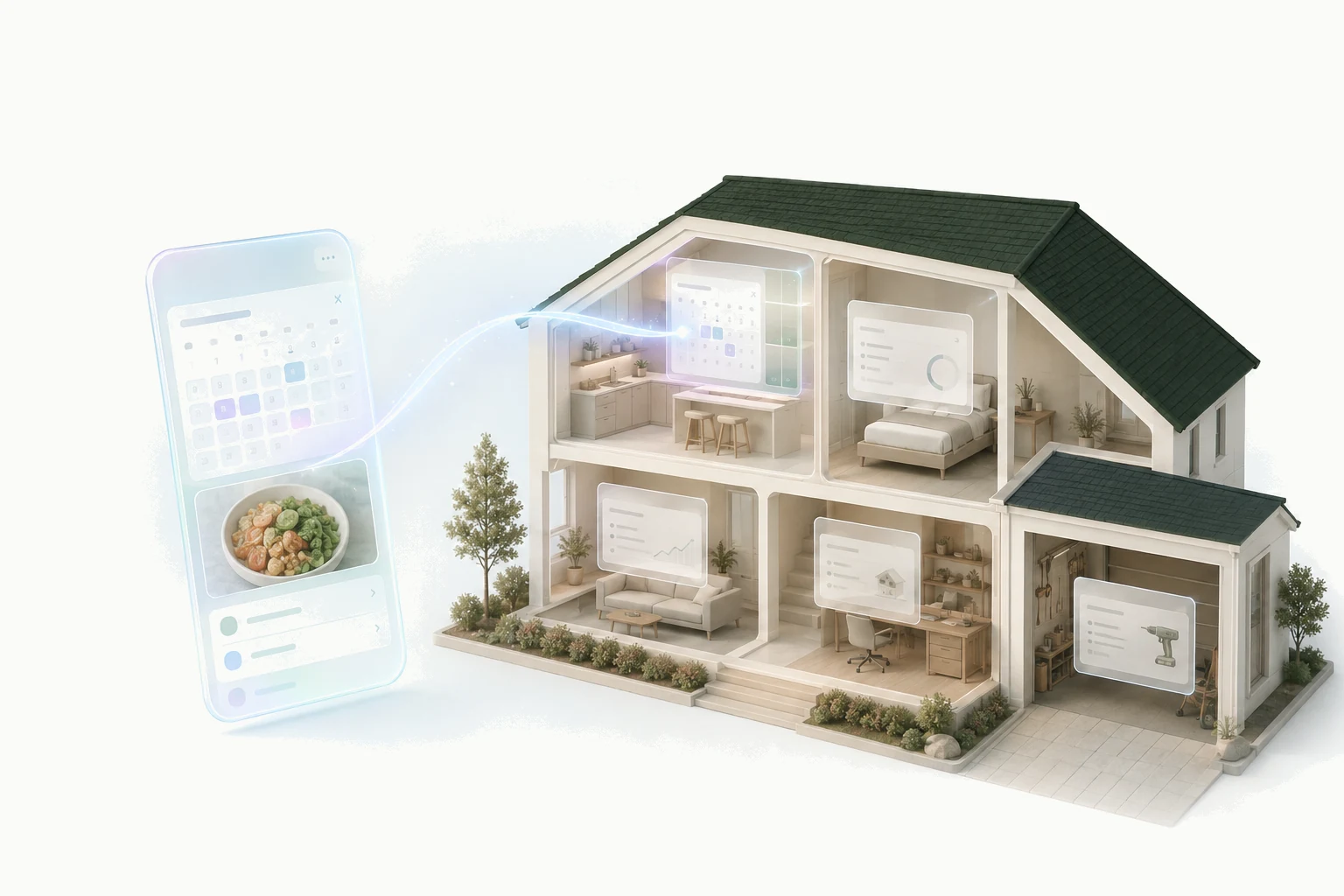
Build personal apps with AI.Each has an assistant that remembers you. All in one place, ready to use and easy to change.

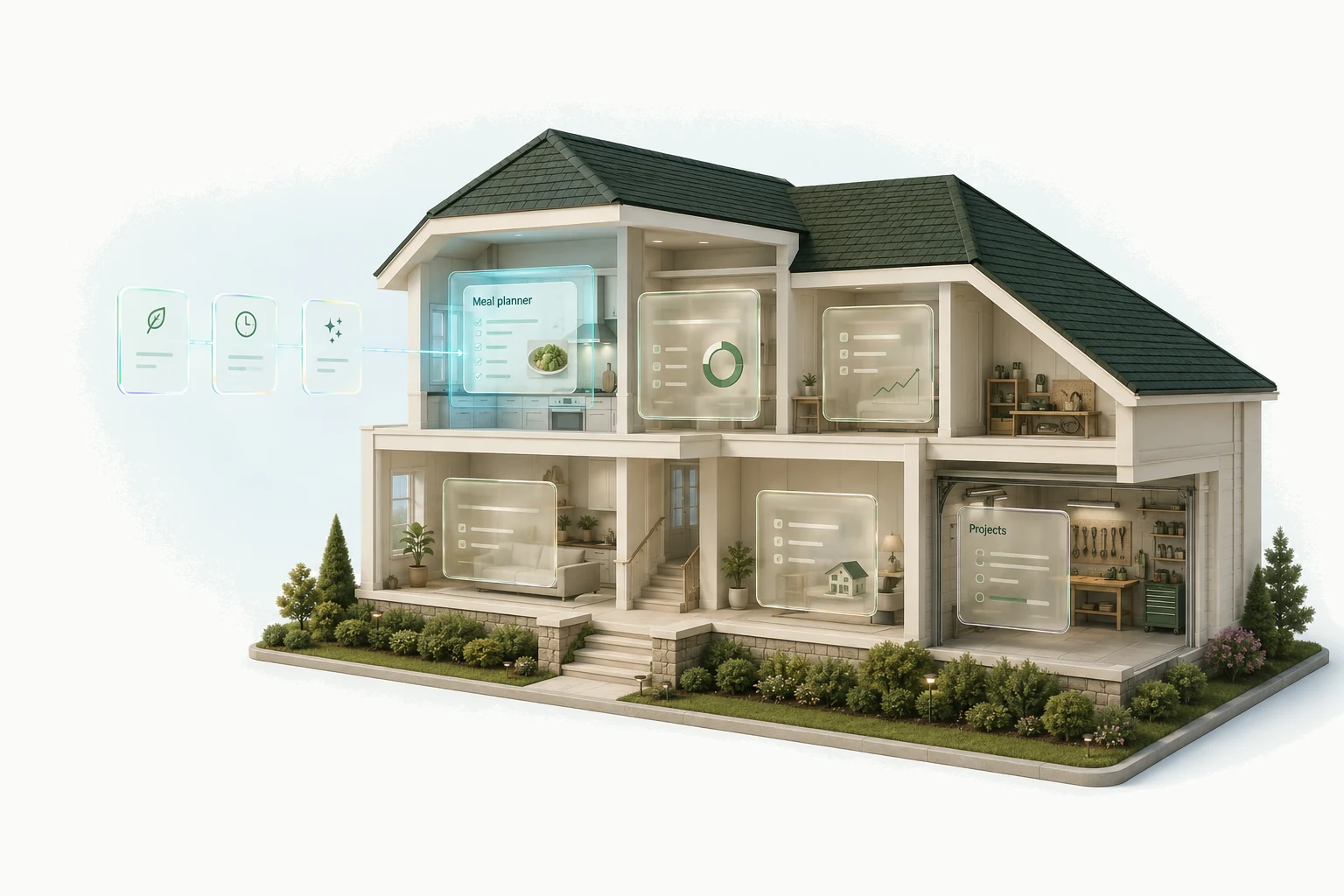
Think of your meal planner, reading list, and projects as rooms in the same home. Each does something different, but you open Kaddy once and move between them. You can change a room without building another house.
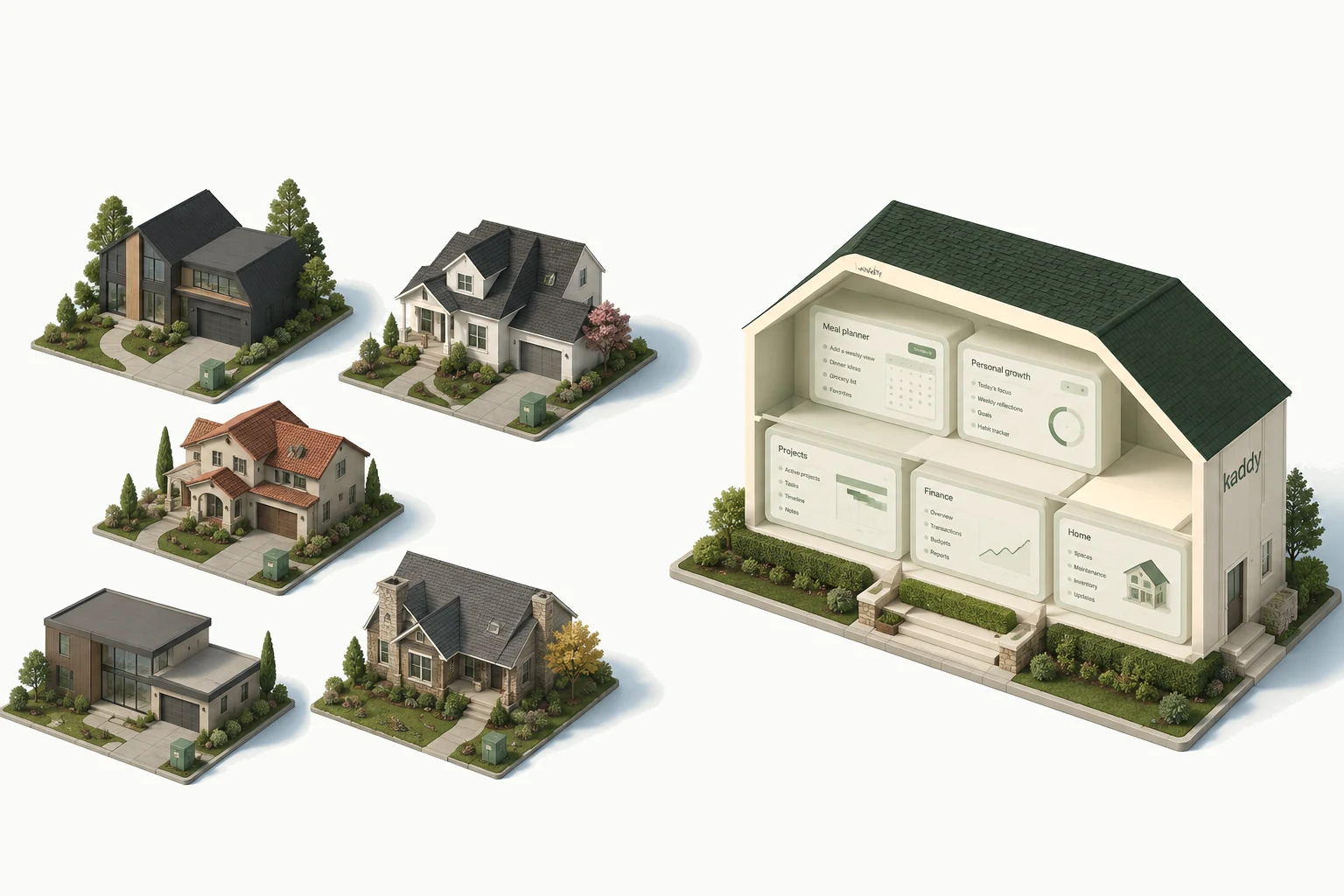
Compare Lovable, Replit, and Kaddy ↗Builders like Lovable and Replit give you more freedom to create a standalone app. You can also build several tools into one project. Kaddy gives you the shared home from the start, so you can focus on what each app does for you.
Describe what would help, like a meal planner for busy weeknights. Try what AI builds, then ask for changes as you use it.
Tell your meal planner you cook for two, and its assistant can remember that next time. You can read and edit what each app remembers.
“I cook for two.”
“Weeknights are busy.”
Quick dinners, for two.
Your reading tracker can look different from your meal planner. The navigation and place to talk to its assistant stay familiar.
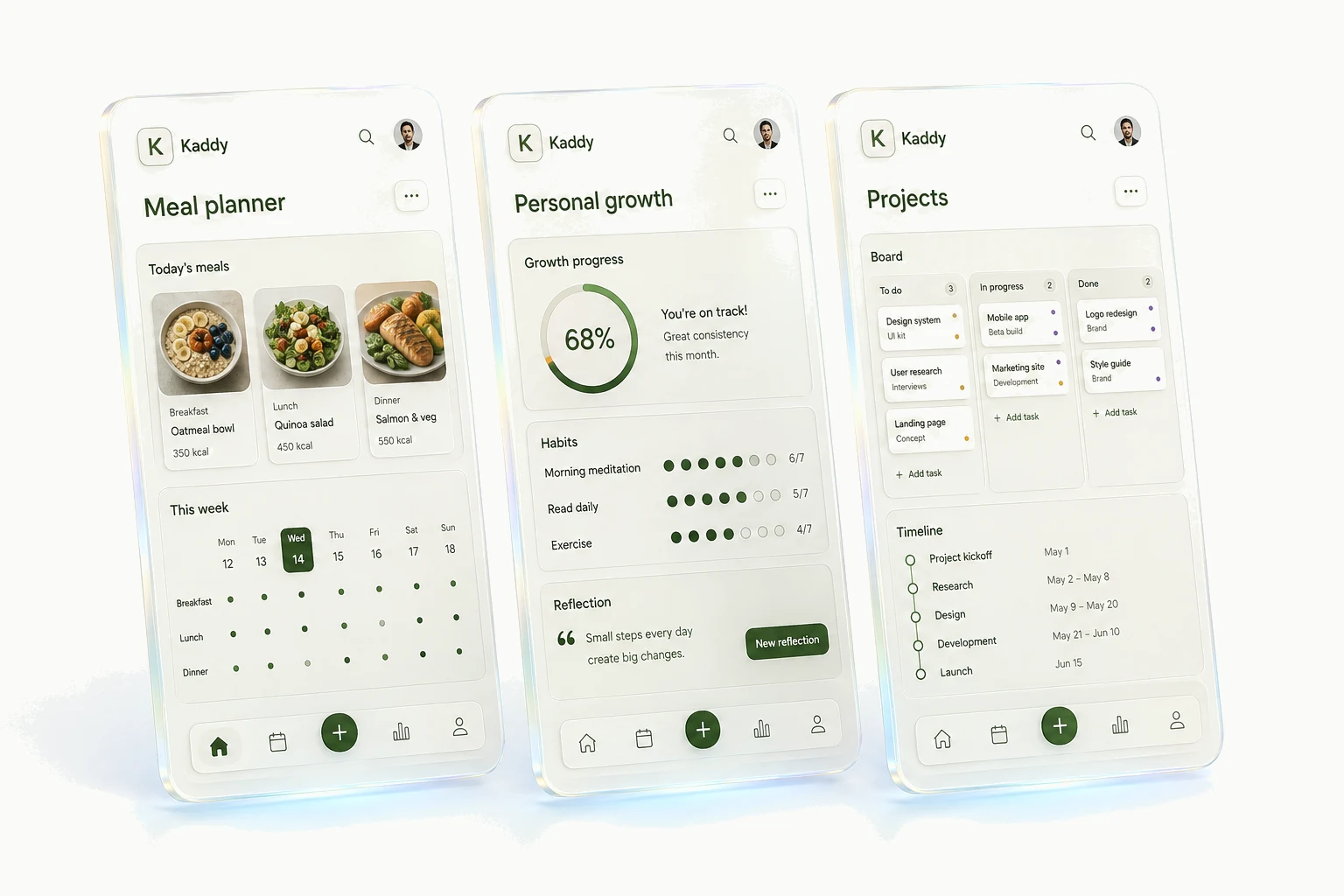
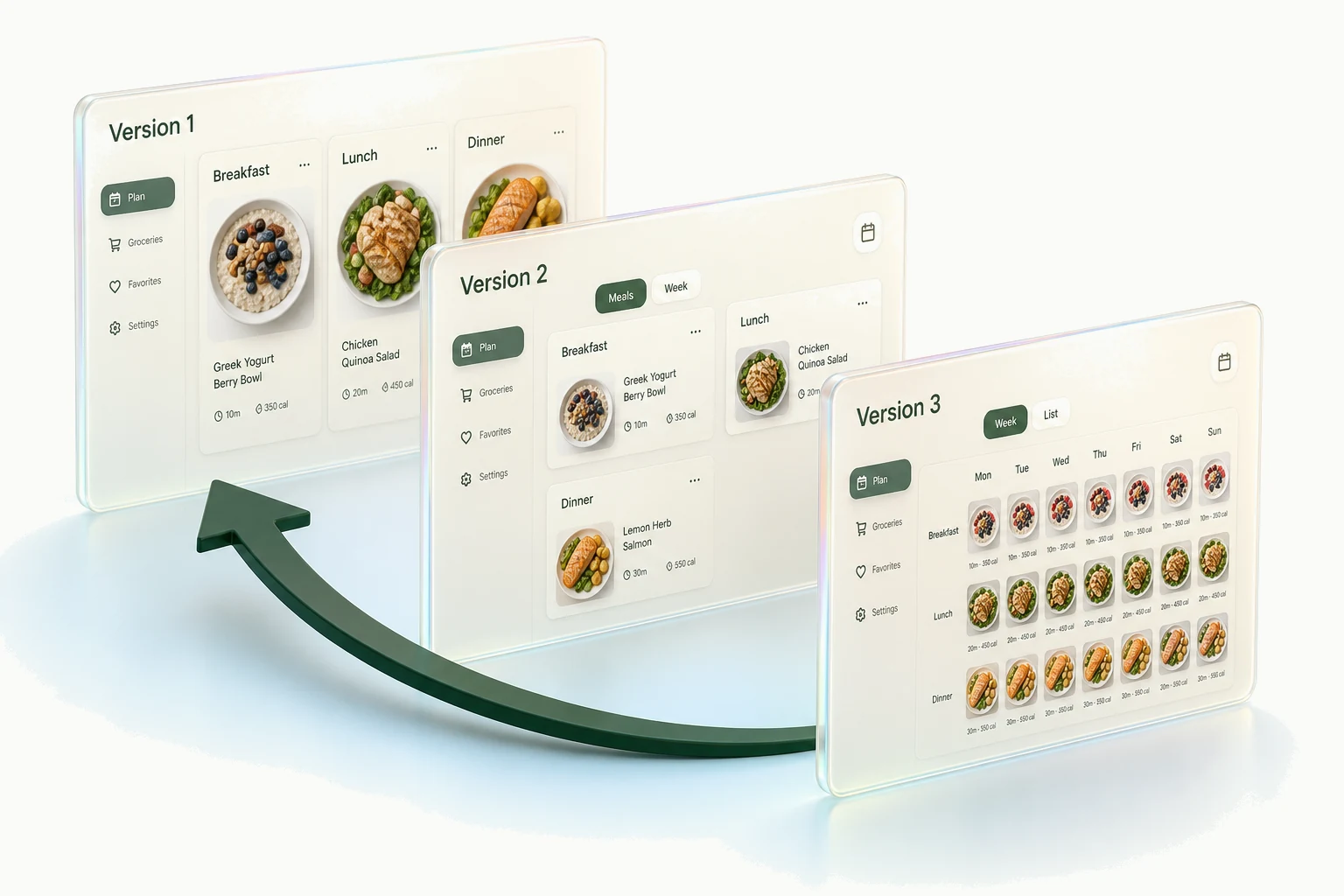
Try a new layout or add a feature. You can return to an earlier app version if you prefer it. Your data has separate automatic backups.
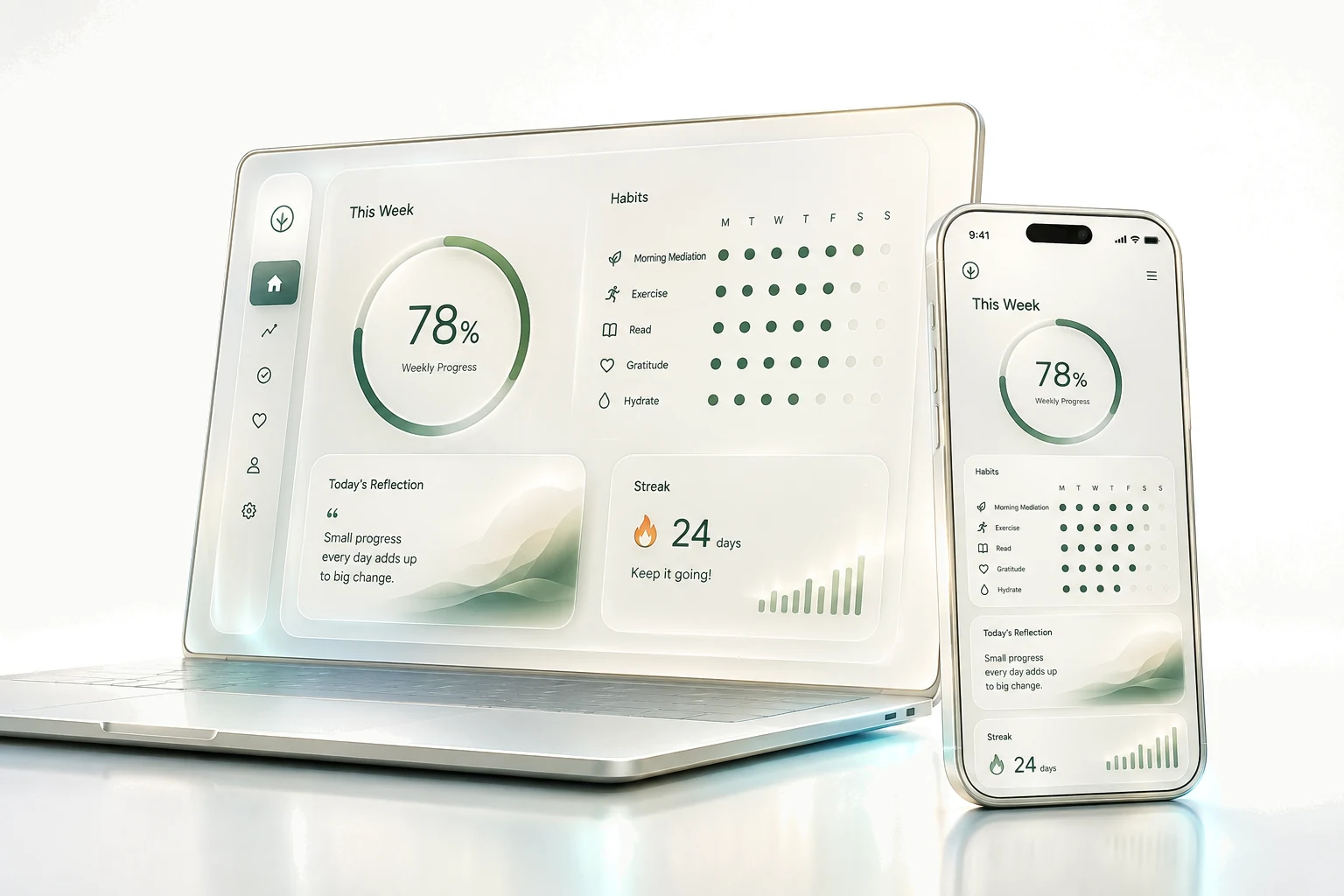
Open Kaddy on the web from your phone or computer.
Build a small personal app from a plain-language prompt. A reading-list example, useful follow-up requests, and checks before you trust it with your routine.
Lovable, Replit, and Kaddy solve different jobs. Compare standalone projects with a shared home for meal planners, reading lists, and other personal tools.
Practical personal app ideas with a small first version: meal planning, reading, friendships, home projects, gift lists, and hobby collections.
No. Describe what you want in plain language, and Kaddy’s AI builds a first version. Try it with a few examples, then ask for changes where it doesn’t work the way you expected.
Yes. The marketplace lists apps people built in Kaddy and chose to share. Installing one gives you your own copy, with your own data and assistant, and you can change it however you like. It never brings anyone else’s data, memory, or conversations with it.
Yes. Ask AI to add something, change the design, or simplify how it works. Review your changes before applying them, and return to an earlier version whenever you need to.
Many builders help you make an app that you publish and open on its own. With Kaddy, you make apps inside a shared home: open your meal planner, switch to your reading list, and talk to each app’s assistant in the same familiar place. You have less freedom over the surrounding interface, but less to set up for each new app.
Your preferences, plans, and useful details from your conversations. You can read and edit what it remembers.
Open Kaddy in a web browser on your phone or computer. Your apps are available wherever you have an internet connection, even when your own computer is switched off.
Keep records, show them on a screen you can tap, change them through buttons and named actions, and answer you in chat or a live voice call. The Docs describe each part and explain who can see a shared app.