What is a personal software builder?
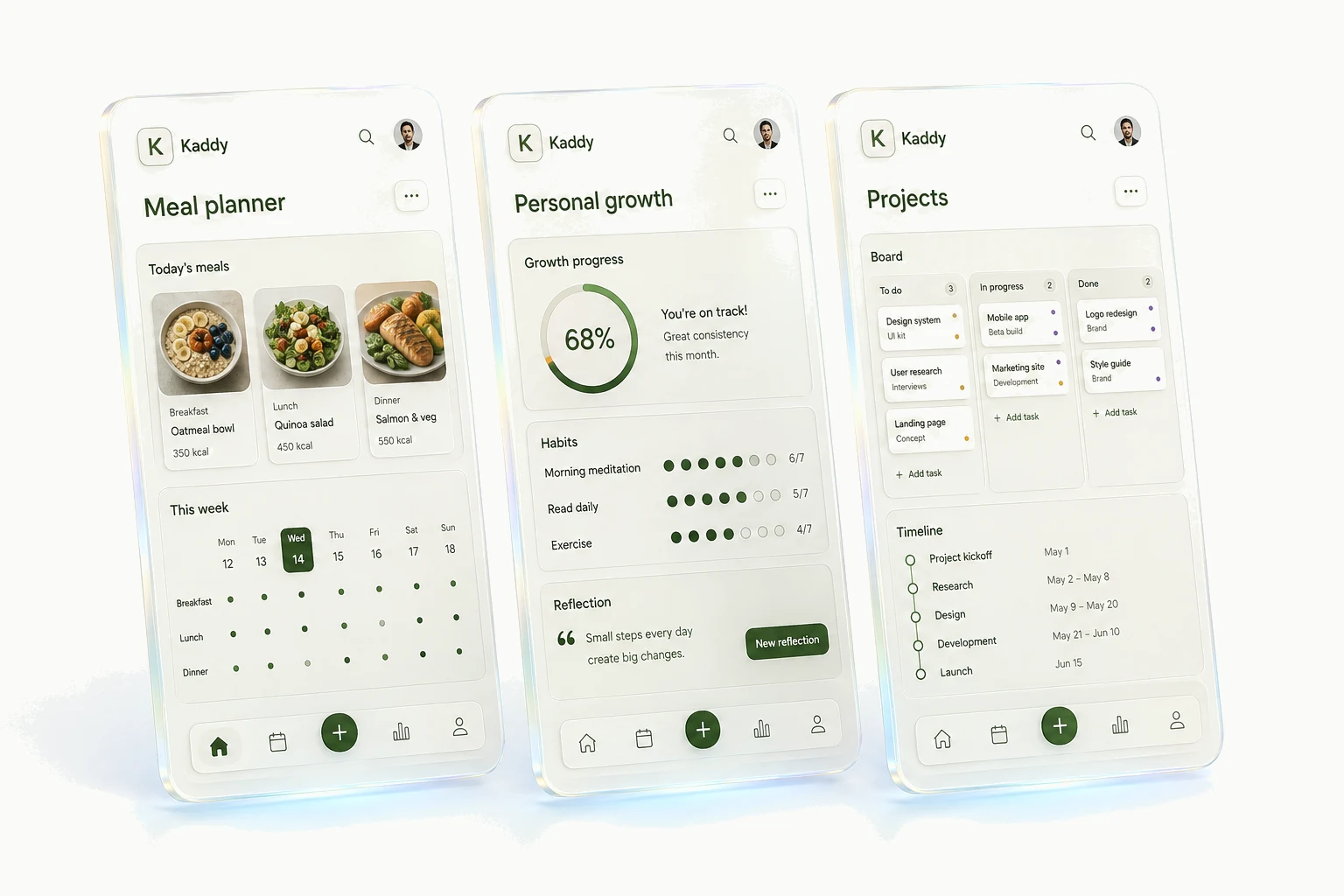
A personal software builder lets you make an app for a routine of your own, even if nobody else would need quite the same thing. It might start with a reading spreadsheet you've rearranged for the third time. The information is there; you just wish using it felt a little less like editing a spreadsheet.
The column you keep adding
Consider a reading list. Title and author seem like enough until you forget why a book is on it. You add a recommendation note, then a place to record who borrowed your copy. Now you're scrolling sideways on your phone to find the bit you need in a bookshop.
At that point, the spreadsheet is already describing an app. You've worked out what matters and how the information fits together. A builder can give those decisions a more convenient screen: the title and recommendation up front, a quick way to mark a book as finished, the lending details tucked away until you need them.
That's what makes the software personal. The unusual field or particular order of steps is often its most useful part. It doesn't need a large audience to justify existing.
Is it worth turning into an app?
Sometimes the answer is no. If you open a list twice a year, a note is probably easier to keep. If you spend most of your time sorting figures and adjusting formulas, the spreadsheet may already be the right interface.
An app becomes interesting when the same little procedure keeps coming back. Perhaps adding a book takes too many taps, or checking a box means you must also change a date elsewhere. You can describe that procedure once and give it a button.
Before building, write down one moment you want to improve. “Add a recommendation while someone is telling me about it” gives you something to judge. “Organize my reading” is broad enough that almost any attractive screen could seem like an answer.
The first version will teach you something
With an AI app builder, you explain what you want to save and what you want to do with it. The builder writes the software. You then get to try your idea in a form that's much easier to react to than a blank page.
You may discover that the form asks for too much, or that the list needs a search box more than a cover image. Ask for that specific change. Our first-app walkthrough follows a reading list through a first prompt, a problem with the result, and a revision.
There's still checking to do. Add a few made-up entries, edit one, close the app, and return. A personal app is only useful if the information survives and you can find it again. Being able to build without coding doesn't remove the need to test what you've made.
What happens when you want another one?
A reading list might be your only project. In that case, a standalone app can suit you perfectly. The choice gets more interesting when you also want a dinner planner and somewhere to keep home-project measurements.
Kaddy is built around that collection. Apps share navigation and a way to ask for changes, while each keeps its own data and assistant memory. Their screens can suit different jobs; a calendar and a list don't have to look alike just because they live together.
That convenience comes with limits. Kaddy apps use the platform's supported capabilities, rather than arbitrary npm packages, and aren't native app-store releases. If you expect your idea to grow into a separate product, the broader project approach in Lovable and Replit is worth considering before you invest in it.