Personal app ideas worth trying
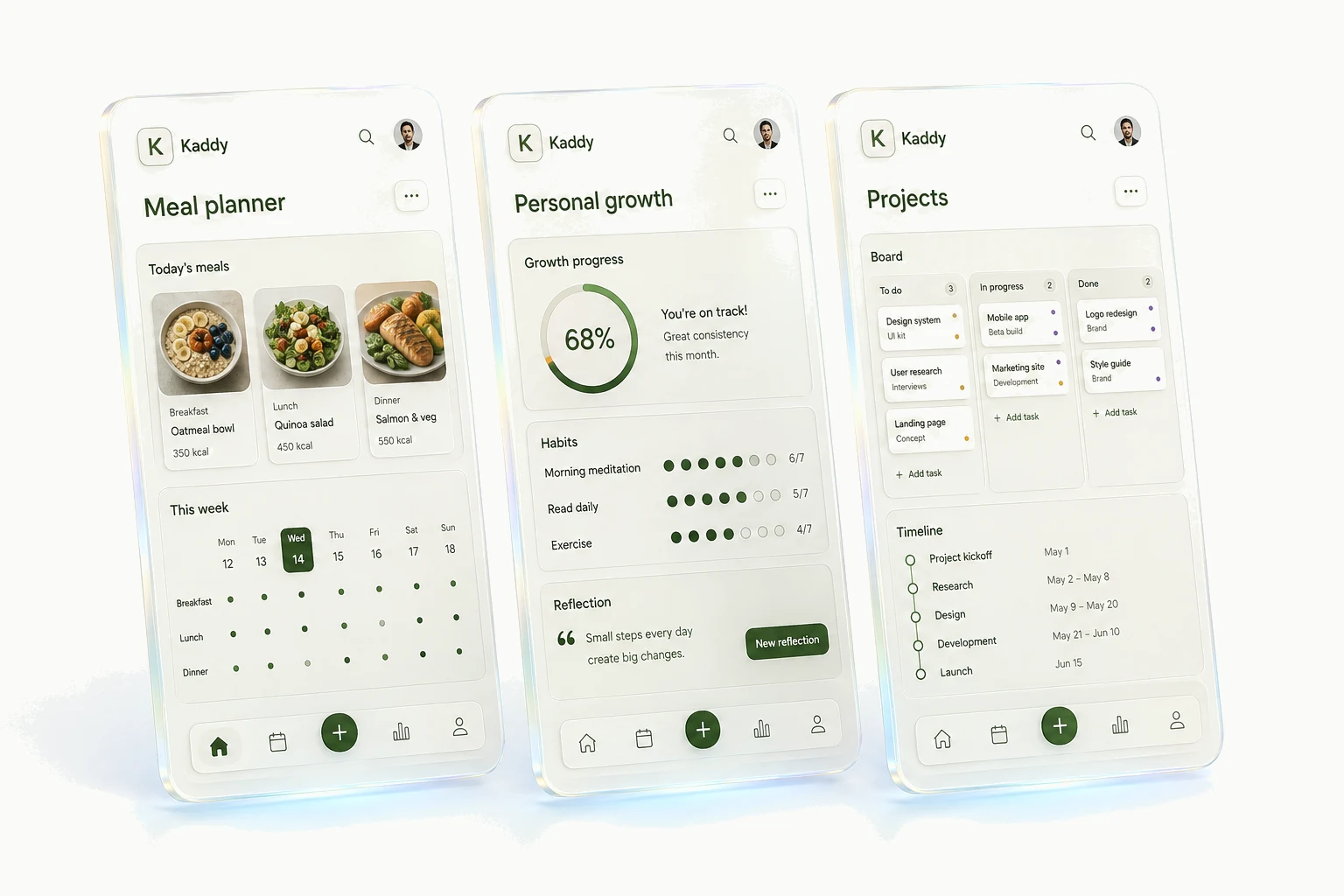
A useful personal app idea often starts with a list you keep changing. You add a column, invent an abbreviation, or leave yourself a note explaining what a status really means. Those little adjustments are clues about the software you wish you had. Here are a few places to look.
A dinner plan you can rearrange
Planning seven meals is easy until Tuesday changes. You work late, move dinner to Wednesday, and wonder whether the ingredients will still get used. A personal meal planner could make that one adjustment easier without asking you to adopt a whole new recipe system.
Begin with meals you already cook and a week you can rearrange. Allow “leftovers” and “out” to be real entries. Keep saved meals separate from their place in the week so moving a dinner doesn't rewrite the recipe. The meal-planner walkthrough develops that distinction into a starting request.
The book someone told you about
A title can sit on a list for months and lose all meaning. “Priya said the chapter on cities was worth it” gives you a reason to come back. A reading app can put that note where you'll see it when choosing what to read.
Make adding a title easy enough to do during a conversation. Extra details can wait. If you lend books, give the loan its own place rather than using “lent out” as a reading status; you can have finished a book and lent it to someone. The reading tracker guide explores those choices.
Remembering what to ask next time
A friend mentions a move or a new job. You mean to ask how it went, but the next conversation arrives and you can't remember the detail. A small friends tracker can hold that note and an optional date to get back in touch.
You probably don't need your entire address book. Start with the people you already intend to contact, and make an update quick to record. Our personal CRM example looks at keeping conversation notes without turning every friendship into a recurring task.
Measurements you can find in the shop
“Buy shelf” is a task. “Opening is 82 cm wide, measured above the skirting board” is the detail that lets you finish it. A home-project app could keep the measurement, room, and next step together, with completed jobs still available when you need to look something up.
Include units and where a measurement was taken. A bare number becomes surprisingly unhelpful a few months later. Ask for a view grouped by room, then try finding one detail from your phone. If you have to open several screens to reach it, change that before adding budgets or a renovation timeline.
A gift idea saved when it comes up
Someone mentions a gardening tool they'd like in April; their birthday is in November. A note with their name and the idea may be all you need. An app becomes more useful if you want to track several occasions or avoid buying something twice.
Keep the idea separate from the purchase. A “bought” date and a place you stored it can answer the slightly different question of whether you're actually ready to give it. Mark an occasion only if you know it; an idea shouldn't disappear because it has no deadline. Keep the app private if it holds surprises or personal details.
Where did that thing end up?
A collection tracker gets useful when it answers something a catalog doesn't: which drawer holds a spare part, who borrowed a board game, or which seed packet you opened last season. The categories should follow the questions you ask while using the collection.
Decide whether an entry means a kind of item or an individual object. Two identical drills stored in different places may need separate records; ten spare screws probably need a quantity. Getting that choice right saves more work than designing the perfect thumbnail grid.
Pick whichever of these resembles a problem you already have. Write down the moment the app should help, then use the first-app guide to describe it to a builder. You can leave the other ideas on a list until you need them.