Lovable vs Replit for personal apps
Lovable and Replit can both build a personal app. The interesting part of choosing between them is what happens once you like the result. You have information to keep, changes to make, and a phone on which the app needs to be easy to open. Reading their publishing workflows tells you more about that than a gallery of first drafts.
What are you hoping to keep?
Take a dinner planner. At first, it's a screen with the days of the week. After a little use, it holds your usual meals, the substitutions you make, and the weeks you'd happily repeat. Starting over now would mean losing decisions as well as code.
So the useful comparison includes how you update a working app, who can access it, and whether the project gives you room for the changes you expect. Both Lovable and Replit manage hosting. Neither requires you to run a server just because you're making a standalone app.
This is written from Kaddy's perspective and based on the official documentation linked below. We haven't measured which builder produces better code or reaches a finished app fastest.
Lovable gives the web app its own home
Lovable's conversational building workflow is a natural place to investigate a web app with its own screens. Its Cloud backend covers services such as the database and authentication, so a form that saves dinner ideas doesn't require assembling those pieces separately.
Its publishing guide describes deploying a snapshot to a live URL and publishing later changes when they're ready. For a personal tool, that means you should check the app at its published address as well as in the editor. Confirm which version you're opening and who is allowed to see it.
This arrangement makes sense when you want the app to stand on its own. It could remain a private planner or develop into something you share more widely. The details of its navigation and account experience belong to that project.
Replit leaves room for a broader project
Replit is worth investigating when the idea might need more than a personal web interface. Its mobile documentation, for example, describes building native apps. If app-store distribution is a requirement, that is a concrete reason to explore it rather than assuming every AI builder offers the same route.
For a web app, Replit's publishing workflow also distinguishes the development version from the live deployment. Your dinner planner needs to work there after the building session ends. Saved records, sign-in behavior, and any external services are worth checking at that address.
The wider scope is useful when you expect to develop the project further. It also gives you more decisions to make. Follow the path for your intended kind of app before judging whether those choices feel helpful or distracting.
A collection changes the question
Now add a reading list and a home-project tracker. You can keep these as independent apps, bookmark them, and be perfectly happy. You can also build them as sections of one Lovable or Replit project, sharing navigation you design yourself.
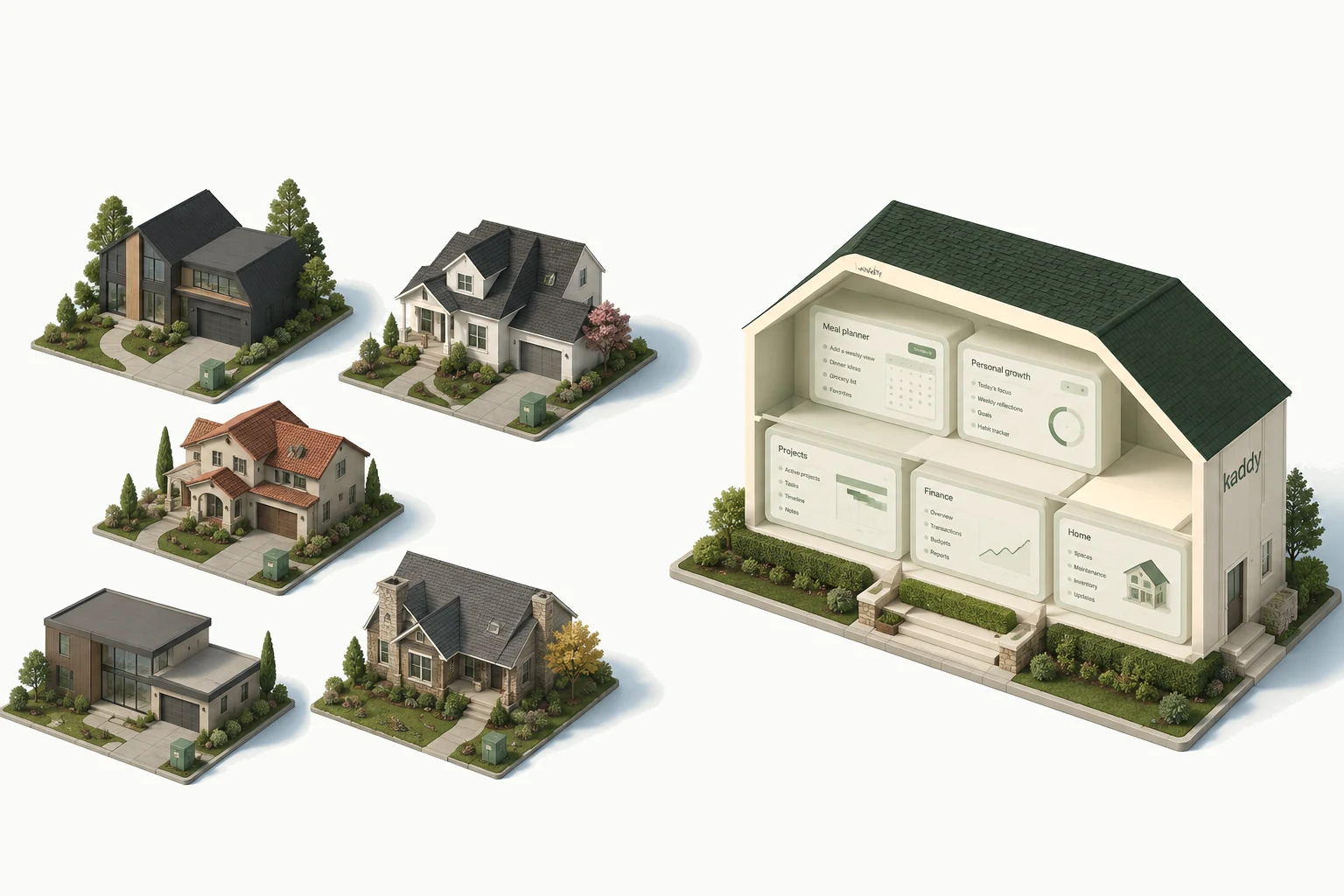
Kaddy starts with that common home already in place. You move between apps in the same sidebar and have a familiar place to talk to each assistant or request a change. The dinner planner can still look like a week and the reading list like a list.
Each app's records and memory stay separate. The reading assistant doesn't automatically know your dinner preferences. Kaddy also limits what an app can include: it isn't an unrestricted npm project or a native app-store package. Those limits matter if your small idea grows in a direction the platform doesn't support.
Try the part you'll repeat
Rather than compare elaborate demos, use the same small meal-planner request in the builders that meet your requirements. Add a couple of meals, move a dinner, close the editor, and try it on your phone. Then ask for a change to the screen while keeping what you've saved.
If the app is mainly for you, pay attention to how easily you return to it and understand a change. If you intend to turn it into a product, spend more of the trial on publishing, access, and the room to extend it. That is where the choice between these approaches starts to become specific to your project.