Keeping a few personal apps in one place
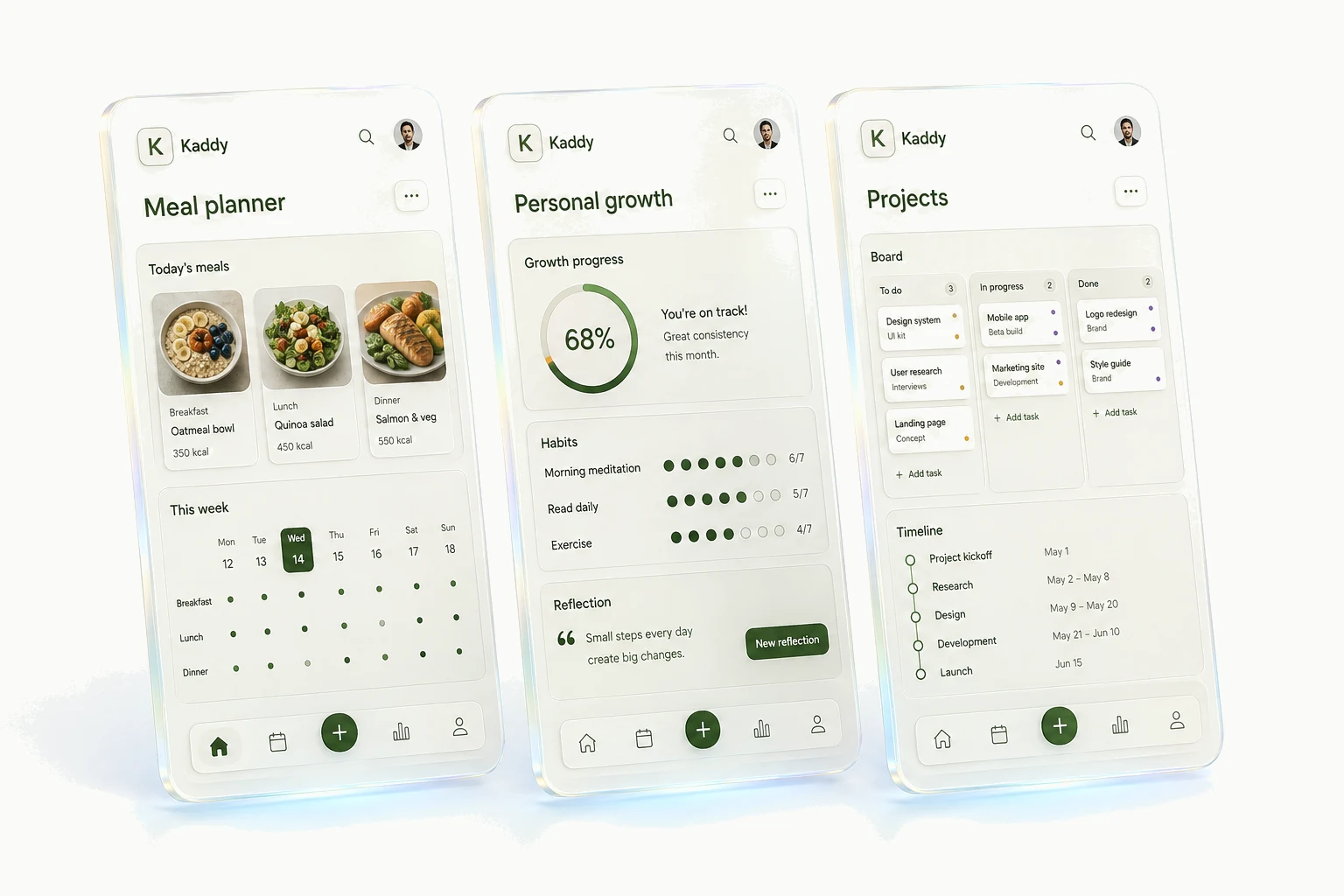
One small app is easy to remember. You bookmark it and get on with things. Add a few more and you may find yourself looking for the right link, wondering which version you saved to your phone, or remembering how each one is changed. The apps can all be useful while the collection becomes a little untidy.
The bookmark you aren't quite sure about
Imagine opening a home-project tracker at the hardware store. You saved the shelf measurements last week, but the bookmark takes you to an older preview. The current app is somewhere else. Finding it is a small interruption, yet it happens at exactly the moment the app was meant to help.
You can solve that with better bookmarks, a start page, or a dashboard. For a handful of independent tools, that may be enough. The question is how much of their surrounding setup you also want to share: navigation, the place to request changes, and the way you return to an earlier version.
These are ordinary housekeeping problems. They become more noticeable when you make several little apps because no single one feels important enough to justify much upkeep.
Your apps still have separate context
Sharing a home doesn't connect every record. A note about your kitchen shelves belongs to the project tracker. A meal preference belongs to the planner. Each app's assistant has its own memory, so information doesn't automatically travel between them.
This has a practical consequence. If you tell one app about a change that matters to another, you need to tell the other app too. You gain a clearer idea of what each assistant knows, but don't get automatic cross-app coordination.
You can inspect and edit what an app remembers. The memory guide explains how that differs from an exact saved record or an old conversation.
Some apps deserve their own project
A tool can outgrow this arrangement. Perhaps you want a particular software library, a native release, or a product with its own development process. At that point, the freedom of a separate project may be worth the extra setup.
General builders can also make a dashboard containing several tools. Our Lovable and Replit comparison considers that option. Kaddy's shared home is provided at the start; elsewhere you can design one to your own requirements.
If you only need one app, there is no reason to invent a collection. Start with the tool you will use. The convenience of a common home becomes something you can judge when a second useful idea turns up.